
Free MCP Connector for AutoCAD 2022 to 2027
Open a drawing and ask it a question in plain English. Your AI reads the drawing in AutoCAD and answers: layers, blocks, references, distances. One-click setup, no code, no configuration files. The free edition has no time limit and needs no card.
8,000+ customers | 25+ countries | CADGlobal since 2010
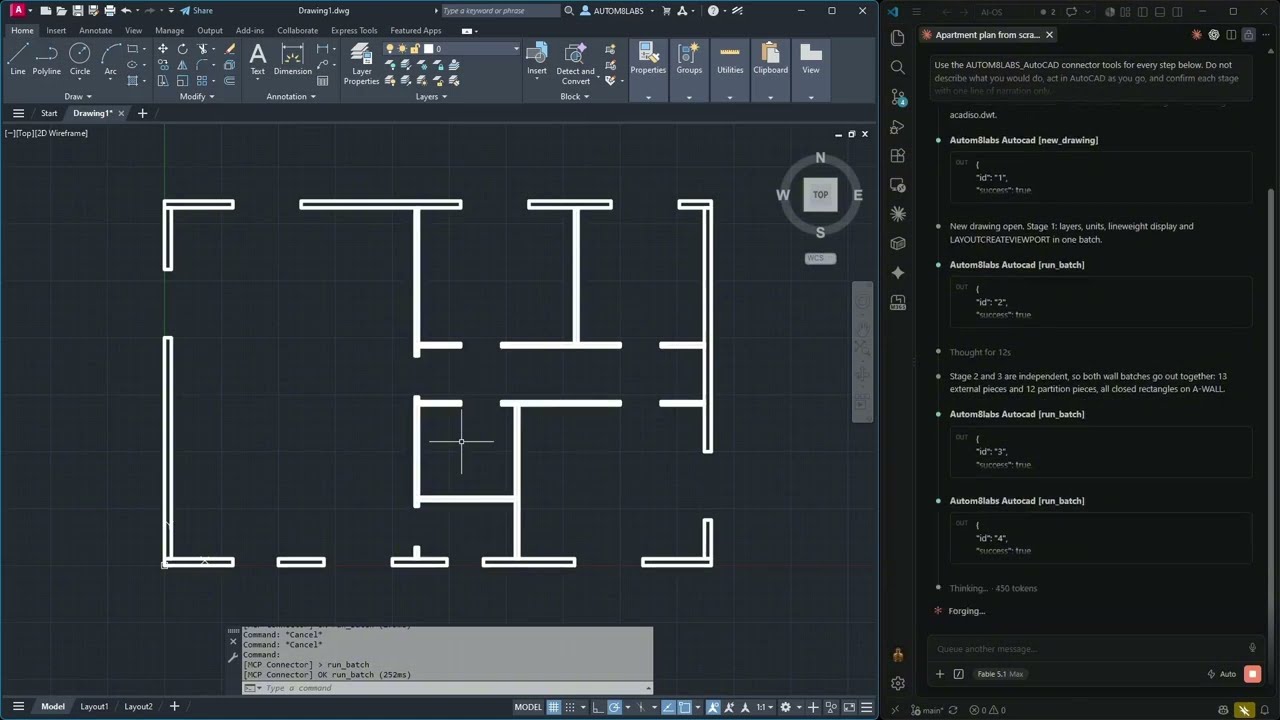
The developer's own demo: AutoCAD on the left, the AI working through the connector on the right. The video shows the full paid edition drawing a plan. The free edition reads and measures.
Minutes, not an IT project.
Step 1
Run one installer on the PC where AutoCAD is.
Step 2
Open the Add-ins tab and press the MCP Connector button. It configures Claude Desktop, ChatGPT and Cursor for you.
Step 3
Restart your AI app, open a drawing and type your question.
Free to start. Your own AI, your own drawings.
Ask about the drawing the way you would ask a colleague. No scripts, no LISP.
Read-only tools with no time limit. Nothing in your drawing is changed.
Claude Desktop, ChatGPT and Cursor. The connector adds no AI charges of its own.
The developer's paid edition adds editing and batch work across folders of drawings: layer standards, broken references, revisions, schedules to Excel, PDF sets.
CADGlobal installs it remotely and trains your team. Tell us in the form or on WhatsApp.
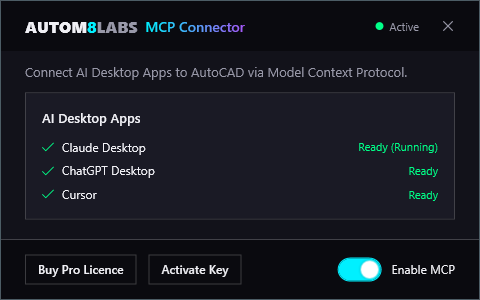
The connector window inside AutoCAD after the one-click setup.
 The connector is made by AUTOM8LABS, an Autodesk Authorized Developer. CADGlobal helps you get it running.
Tell us who you are and the download page opens right away.
Free edition, read-only tools, no time limit, no card.
Would you rather have it installed for you?
Ask us to set it up
We respect your privacy. No spam.
Yes. The free edition has read-only tools and no time limit, and needs no card. The developer sells a paid edition that unlocks editing and batch tools. You decide later.
Yes. The connector links AutoCAD to the AI app you already use. Your AI provider's own pricing and limits apply. The connector itself adds no AI charges.
AutoCAD 2022 to 2027 on Windows. AutoCAD LT is not supported. For Civil 3D the developer has a separate connector.
Choose your CAD in the form. We will tell you what is available for it and when.
It is made and maintained by AUTOM8LABS in the United Kingdom, an Autodesk Authorized Developer. CADGlobal has supplied CAD software since 2010 and helps you install it, train your team and build AI into your drawing work.
No. The free edition is read-only: it queries, inspects and measures.